YootaPlayWatch and listen your way, without the noiseA local media player with clear control over video and audio

YootaPlay
A polished local experience

YootaPlay

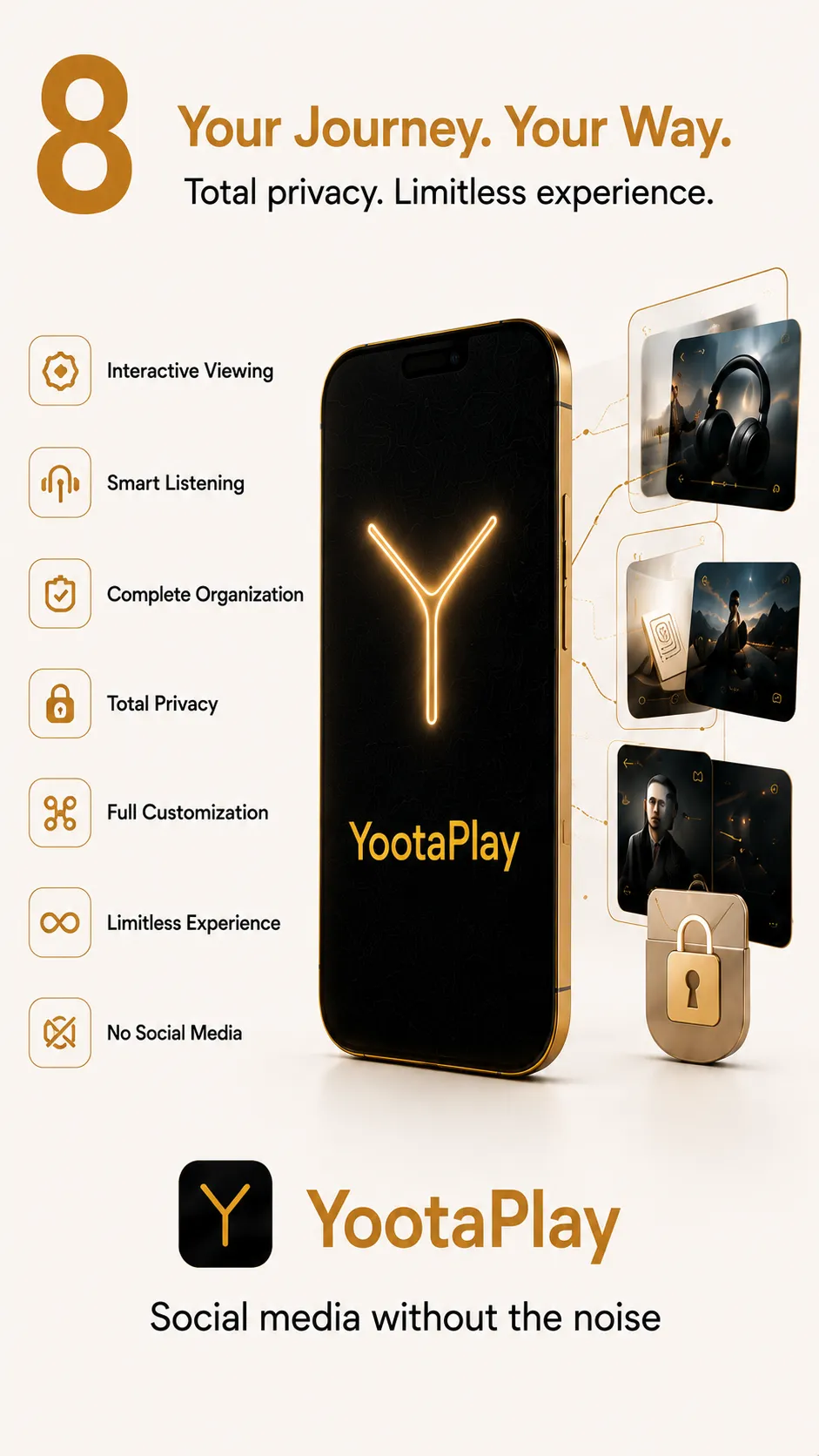
YootaPlay gives the video and audio files on your device a more comfortable experience: local playback, fast navigation, two control styles, video-to-audio conversion, saved moments, notes, and a secure vault for sensitive files.

Version: 1.0.6Last update: 2026-05-14Android 8.0+
Android 8.0+
Current support
100 MB
App size
Local
Processing mode

Built around the data already on your device
Screenshots

Screenshots from YootaPlay

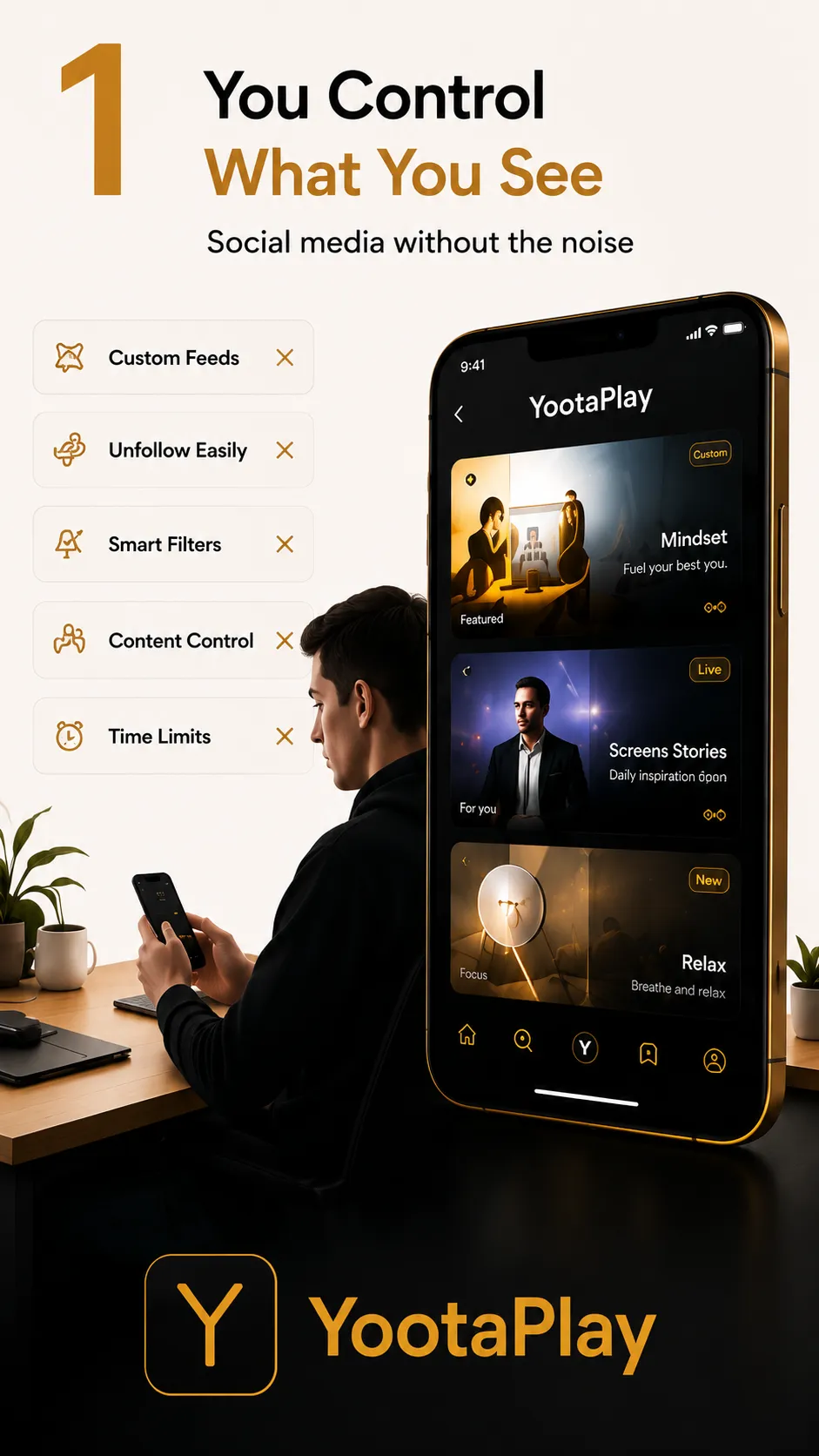
The YootaPlay interface as it appears in day-to-day use, with direct examples of core features.

YootaPlay home
Advanced gesture controls
Dual control systems
Screenshot 4
Screenshot 5
Screenshot 6
Screenshot 7
Screenshot 8
Story

Why this app was built

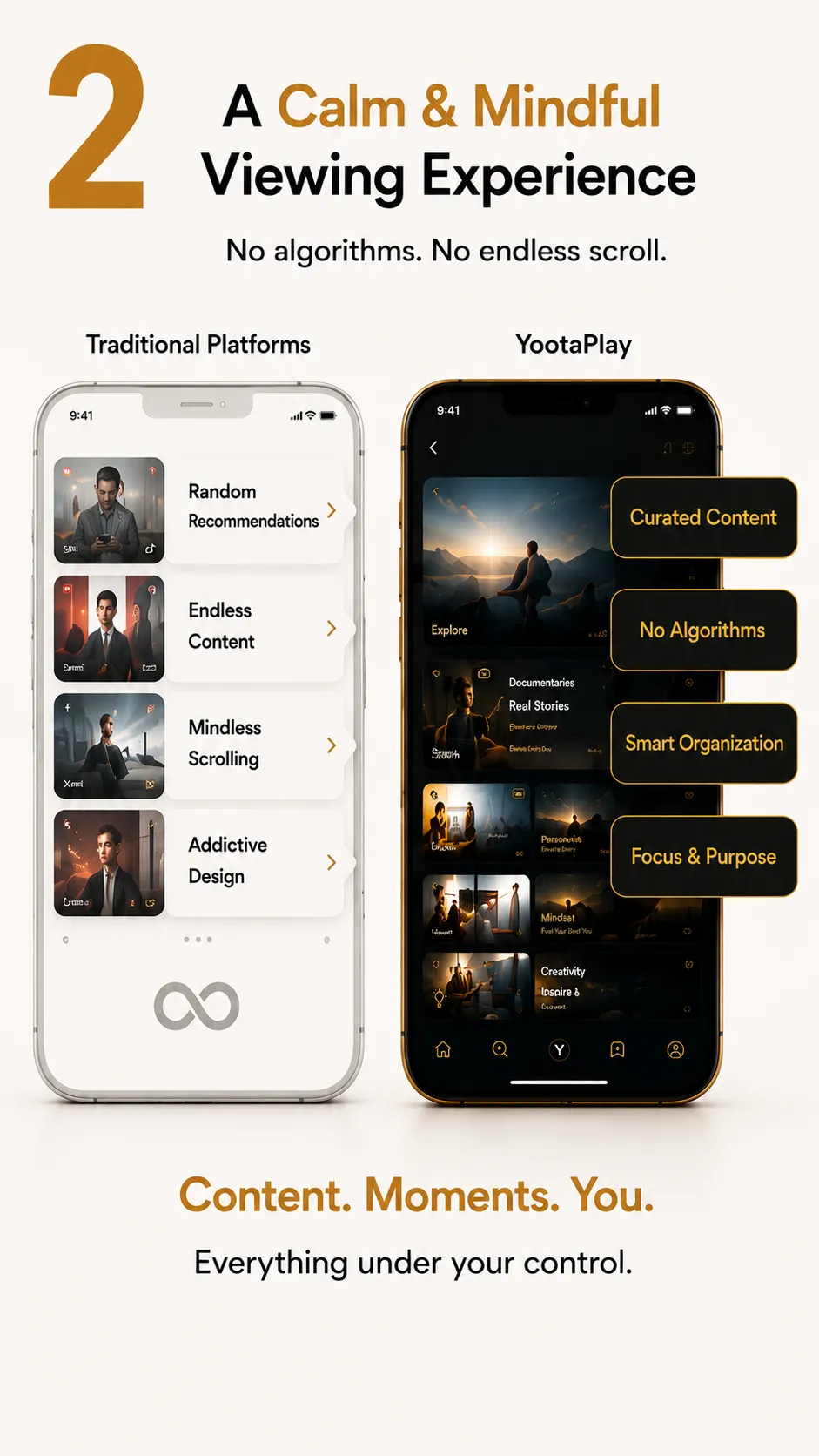
The idea is simple: your files should stay under your control, not inside a crowded recommendation experience. Choose what to watch or hear, and control it in the way that fits you.

What to know

Key information

A concise summary of the current version, platform support, and the overall YootaPlay experience.

May 6, 2026
Release date
2026-05-14
Last update
8
Supported types
Yes
Works offline
Core features

What the app offers today

A set of core capabilities that shape the YootaPlay experience and show its approach to control and organization.

🎛️

Two playback systems

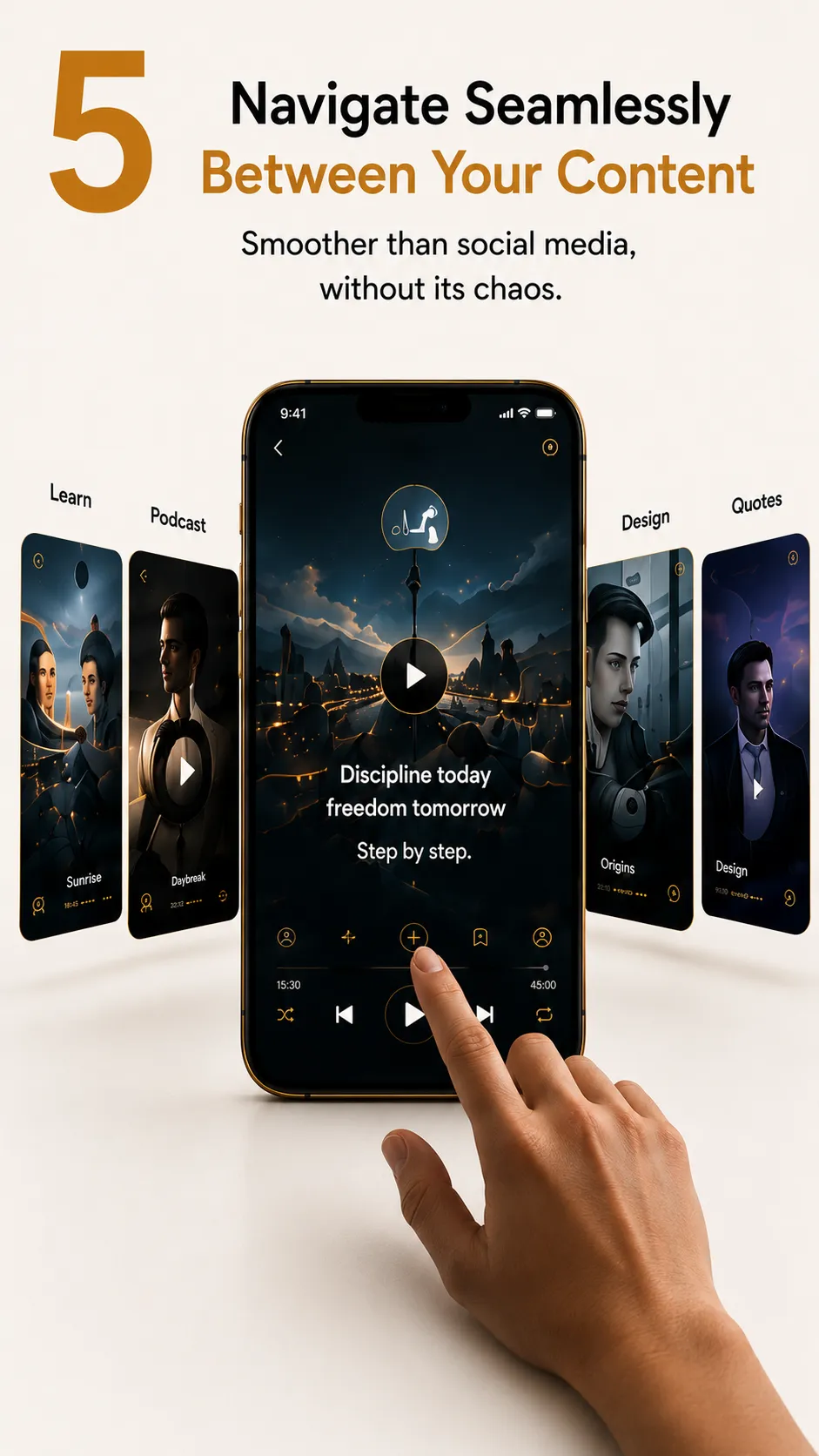
Legendary and Classic systems inside the same app, ready for different viewing styles.

👆

Gesture controls

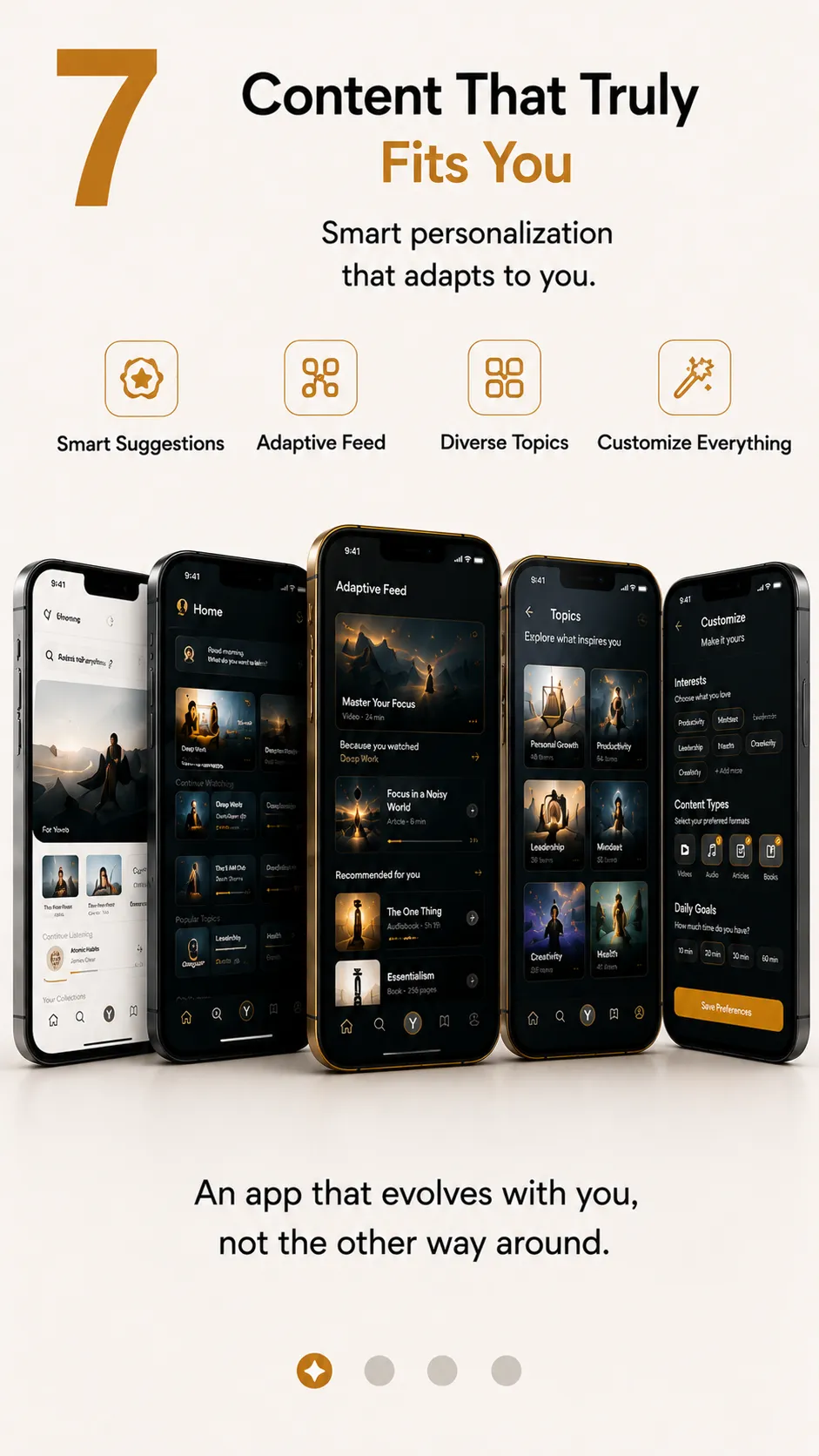
Swipe and tap controls that make local playback feel direct and fluid.

🎵

Video to audio

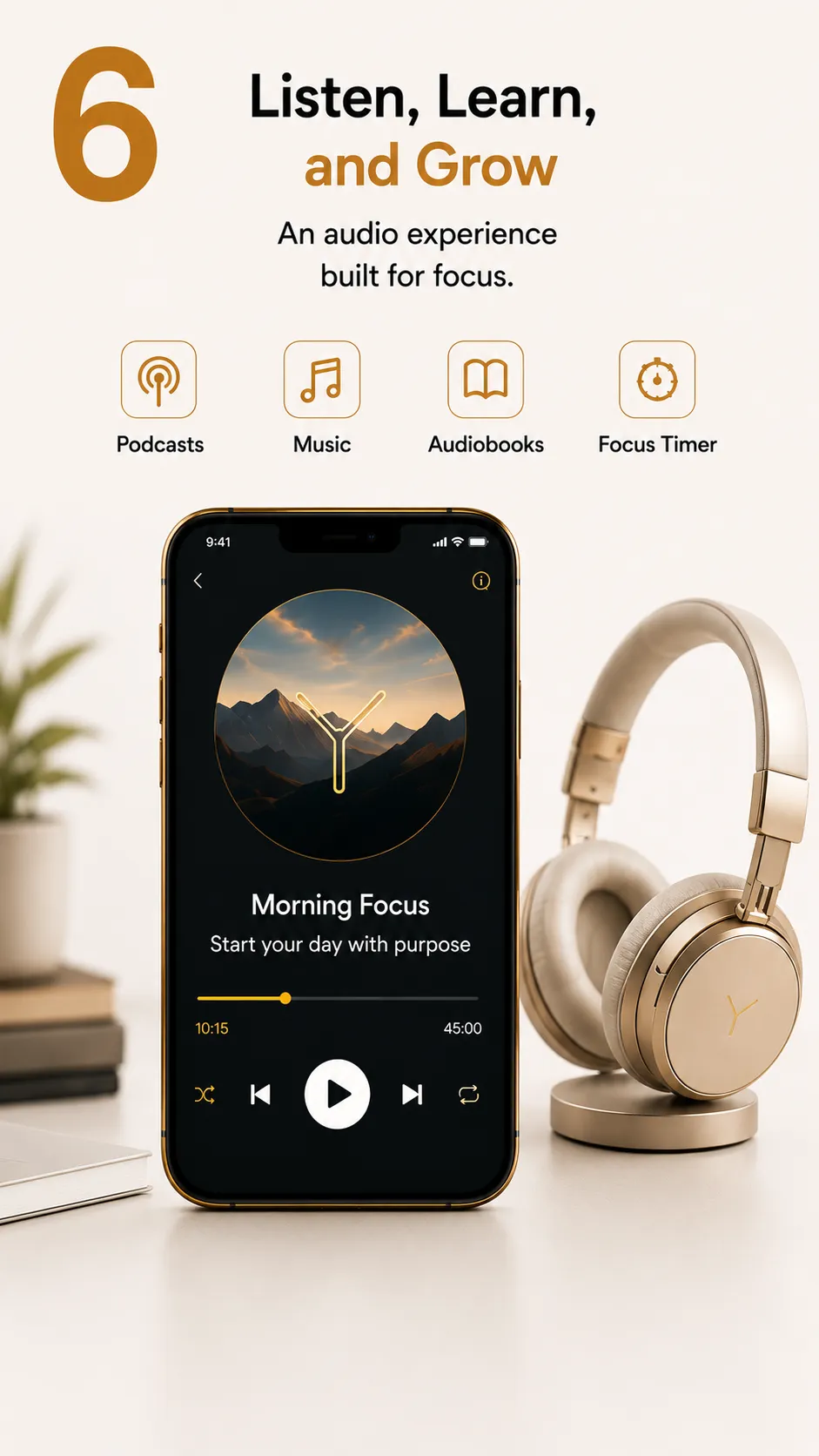
Convert a video into audio from inside the app and keep it in the audio library.

🎧

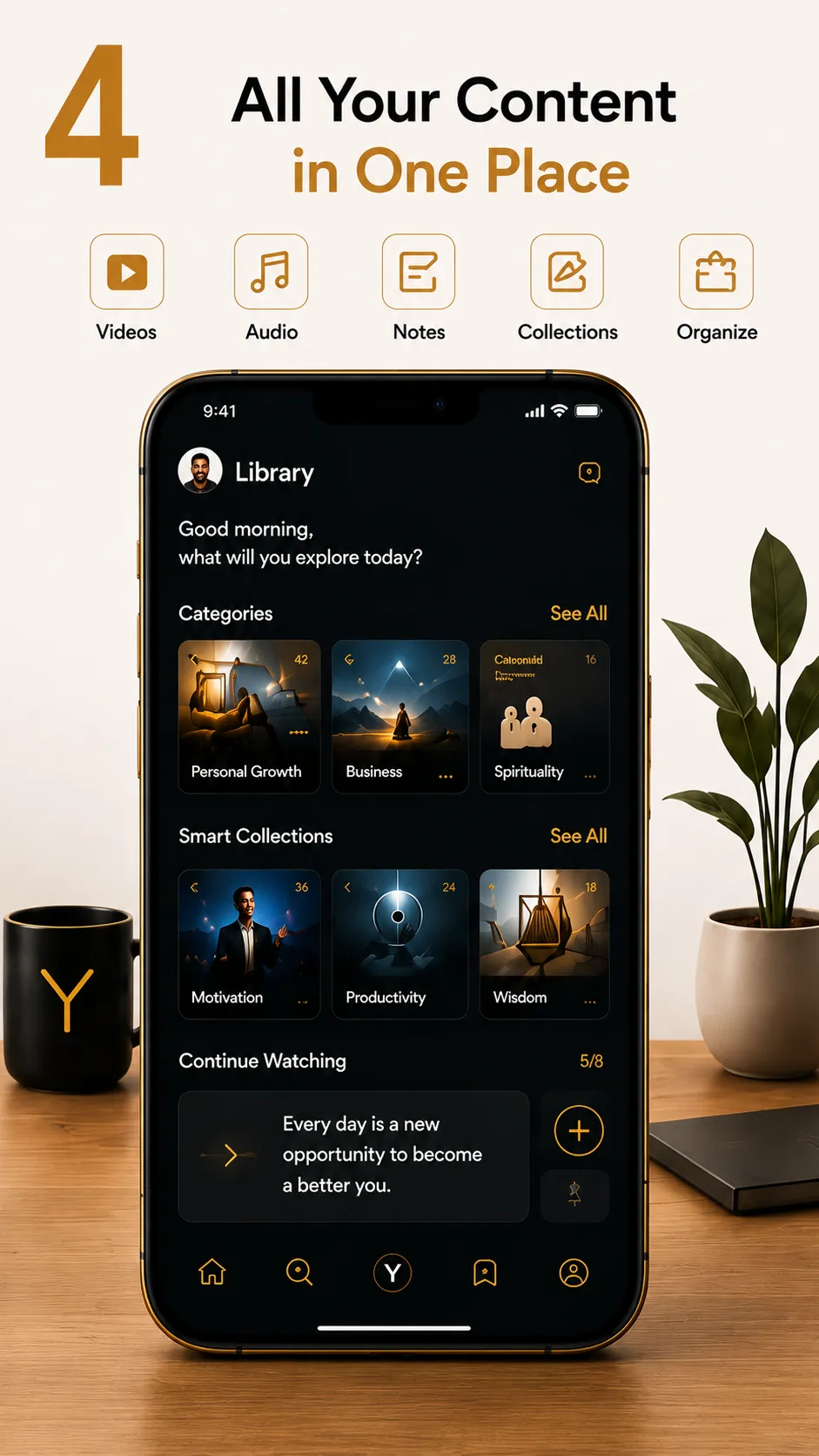
Integrated audio library

Background playback, notification controls, queue management, repeat, shuffle, and a sleep timer.

📍

Moment pins

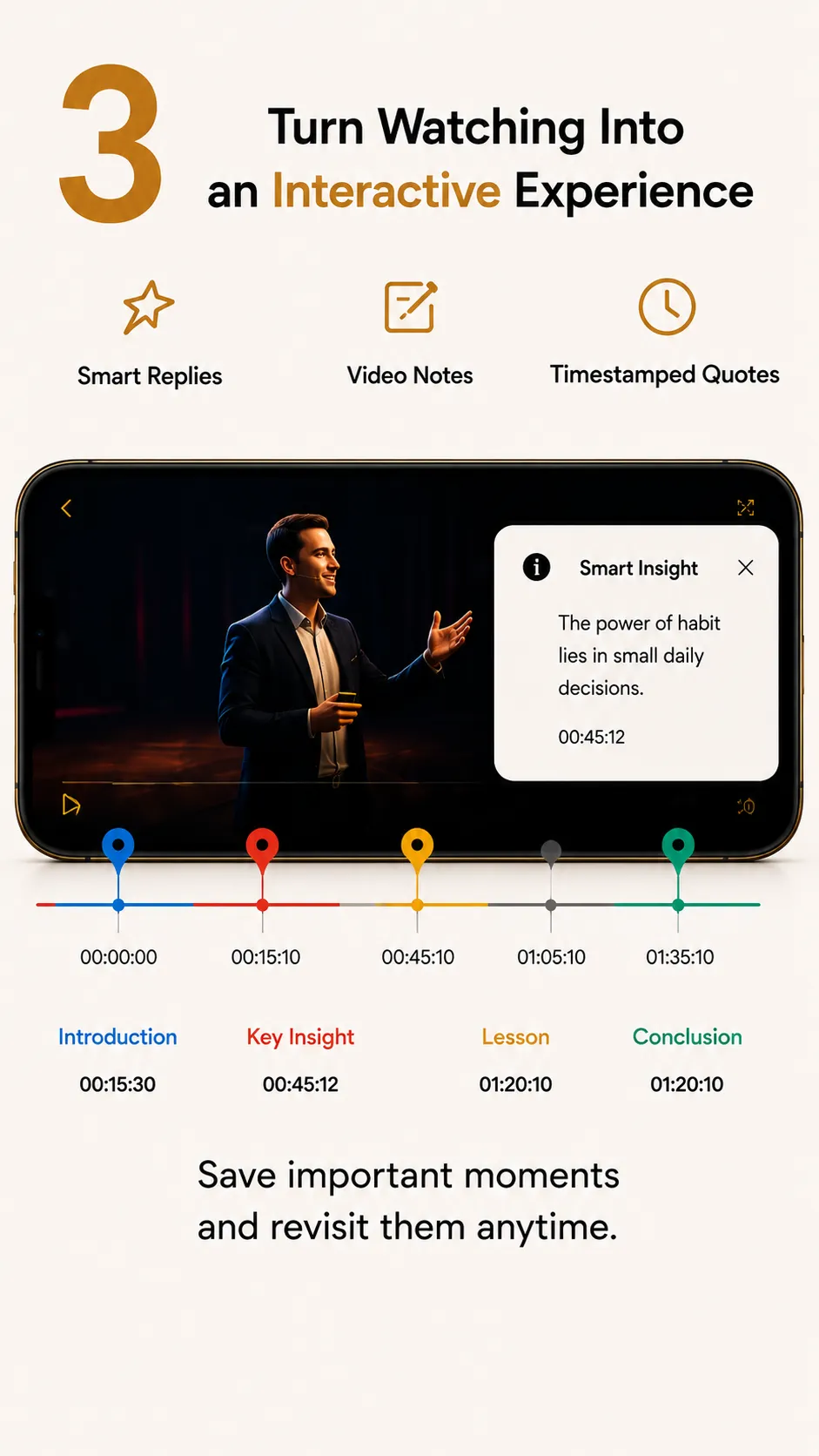
Save important positions in a video, return to them quickly, and manage them later.

📲

Android quick tile

A quick settings tile that sits beside core Android controls for faster access.

📝

Posts and notes

A dedicated space for notes and posts with pinning, images, search, and fast editing.

🔒

Secure vault

Password, PIN, or biometrics with auto-lock and stronger protection for sensitive files.

Distinct strengths

What sets YootaPlay apart

Key elements that give YootaPlay its distinct character and show how it differs from many traditional apps.

🎛️

Two playback systems

Switch between the Legendary and Classic systems depending on how you prefer to watch.

🎵

Video to audio

A direct in-app action converts video into audio and places it straight into the audio library.

📲Android only

Android quick tile

A tile that appears in Android quick settings beside core system controls for faster access.

Learning center

A practical guide to using content with intention

If you save videos and clips to revisit later, these guides help you reduce distraction, organize material, and build a useful personal library.

Reduce feed-driven browsing

Separate discovery time from review time so every session does not start from zero.

Organize what you keep

Connect each video to a clear reason: learning, review, a project, or a moment you want to revisit.

Review regularly

Keep review short and consistent so saving does not turn into new clutter.

Other products

Related products inside Yoota Studio

If you want to explore the rest of the roadmap, these are other products related to the same category or experience.